


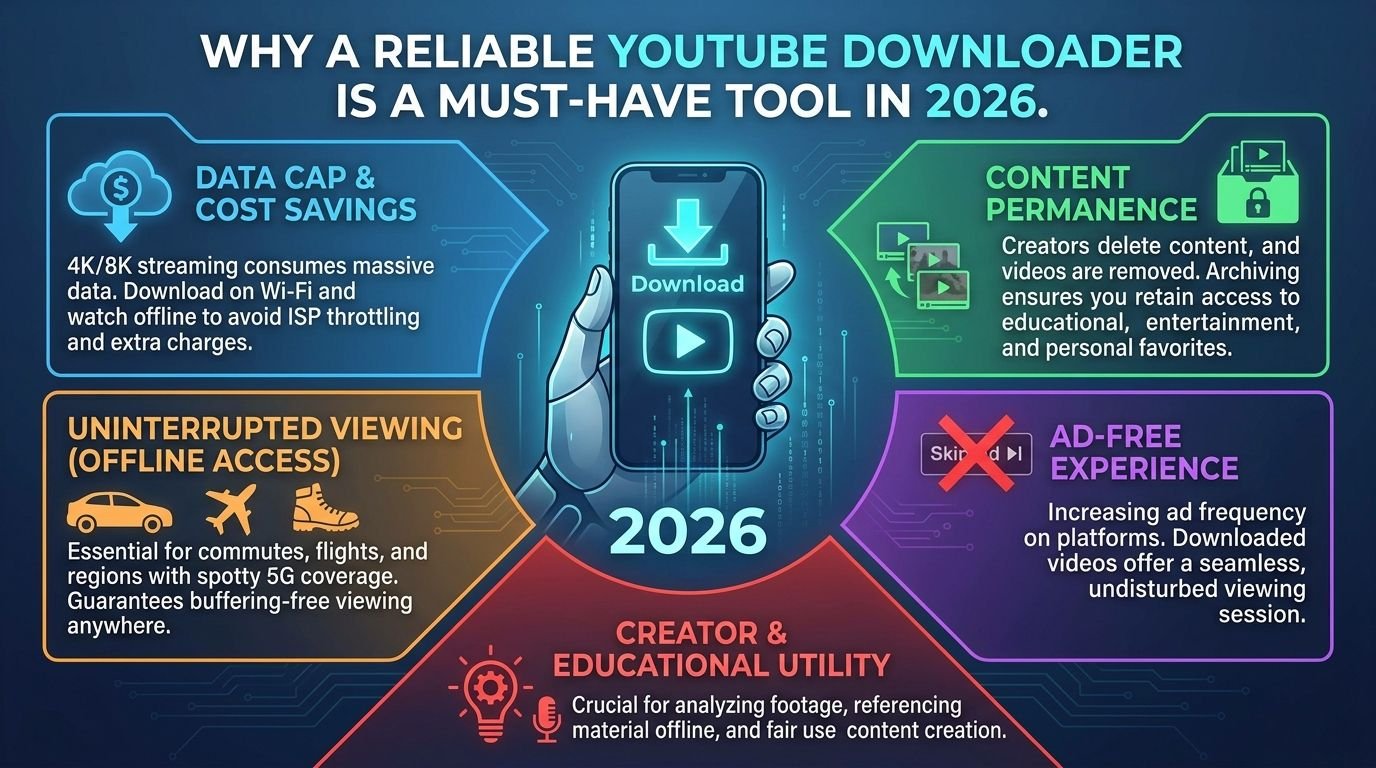
The downloader you bookmarked in 2023 has probably already stopped working. YouTube pushed several backend changes over the past two years that quietly killed a large share of third-party tools, and the ones that survived did so by updating fast. That churn is exactly why “reliable” is the only spec that matters when picking a downloader now, ahead of speed, ahead of features, ahead of everything.
The Real Problem: Videos Disappear and Internet Doesn’t Always Cooperate
Open your Watch Later playlist from a year ago and count the grayed-out entries. Videos go private, channels get deleted, and region locks appear on content that was open last month. Saving a link is not saving a video, and everyone learns this the same way, by needing something that is no longer there.
The connectivity side of the problem hits at specific, predictable moments. A traveler boards an 8-hour flight assuming airplane WiFi will hold, and it buffers through the first ten minutes of everything. A student rewatches one recorded lecture five times before an exam and burns five times the data that a single download would have used.
None of this requires bad luck to matter. It requires an internet connection behaving the way internet connections normally behave.
What “Reliable” Actually Means in a YouTube Downloader
Reliability has four testable parts, and a tool that fails any one of them will waste your time eventually.
The first is survival across YouTube’s updates. Tools break when YouTube changes how it serves video, which happens several times a year, and a tool that hasn’t been touched by its developer since last spring will fail on the next change if it hasn’t already.
The second is honest quality delivery. Select 1080p and the file that arrives should actually be 1080p, not a 480p file wearing the wrong label. Silent downgrades are common enough that checking your first download’s properties is worth the ten seconds.
Third, no detours. A reliable tool goes from pasted link to downloaded file without a survey, an app install prompt, or a “premium required” wall appearing at 90 percent. Fourth, it finishes long files. Plenty of tools handle a 4-minute music video and choke on a 90-minute lecture, and if long content is what you save, test with long content.
A web-based tool has a structural edge on the first test. It updates on its own servers the moment YouTube changes something, while an installed program waits for you to notice it broke, find the update, and install it.
What an Unreliable Downloader Actually Costs You
The time cost compounds in a specific way. One failed tool costs twenty minutes. But nobody stops at one, so a bad afternoon runs through three tools, two fake download buttons, and a browser that now wants to send you notifications from a site you don’t remember agreeing to.
The quality cost surfaces late, which makes it worse. You saved a video in “4K,” deleted it from Watch Later, and discover months later that the file is 360p. The original may be gone by then, and there is no fixing that.
Ad-heavy tools carry the security cost. When a downloader monetizes through redirect ads instead of a plain banner, every click gambles on where the redirect lands, and some of those destinations push malware installs dressed as codec updates. The pattern to watch for is a tool that worked cleanly last week and suddenly opens two tabs per click, which usually means the site changed owners or ad networks.
Everyday Situations Where a Downloader Stops Being Optional
Exam season is the clearest one. Campus WiFi collapses under load in the exact week everyone needs recorded lectures, and the students who downloaded their playlists in advance are the only ones unaffected.
Professionals hit their version of this in conference rooms. A presentation that streams a clip live is betting the meeting on venue WiFi, and a downloaded clip embedded in the deck plays regardless.
Parents figured this out before anyone. Downloaded kids’ content for a three-hour car ride costs zero mobile data on the fifteenth replay.
The least expected case involves creators themselves. Losing original video files to a dead hard drive happens constantly, and when it does, the uploaded YouTube copy becomes the only surviving version. Downloading your own uploads back is sometimes the recovery plan.
How to Tell a YouTube Downloader Will Still Work Next Month
Check whether it supports current formats first. A tool offering 4K and 60fps options today is a tool whose developer keeps pace with YouTube, and pace on formats predicts pace on fixes.
Then look at the category it belongs to. A browser-based youtube downloader updates server-side, so when YouTube changes something, the fix ships to every user instantly with nothing to install. Compare that to a desktop app whose last release note is dated eighteen months ago. One of these survives the next platform change and the other does not.
The interface itself is a signal. A tool plastered with ten ad banners is squeezing revenue out of a declining product, and decline in monetization discipline usually precedes decline in maintenance.
Run the same test link on your phone and your laptop before trusting a tool with regular use. If it works on both, bookmark it on both. The whole evaluation takes two minutes with one short video, and it is two minutes you spend once instead of twenty minutes you lose repeatedly.